Meshtastic: off-grid LoRa mesh messaging on ESP32 and nRF52
Open firmware that makes cheap LoRa boards into an off-grid encrypted text mesh, paired with your phone.
Key Facts
- Chips: ESP32 / ESP32-S3 / nRF52840 / RP2040
- Radio: LoRa SX1262/SX127x
- Phone: BLE app
- Range: km-scale per hop
About This Project
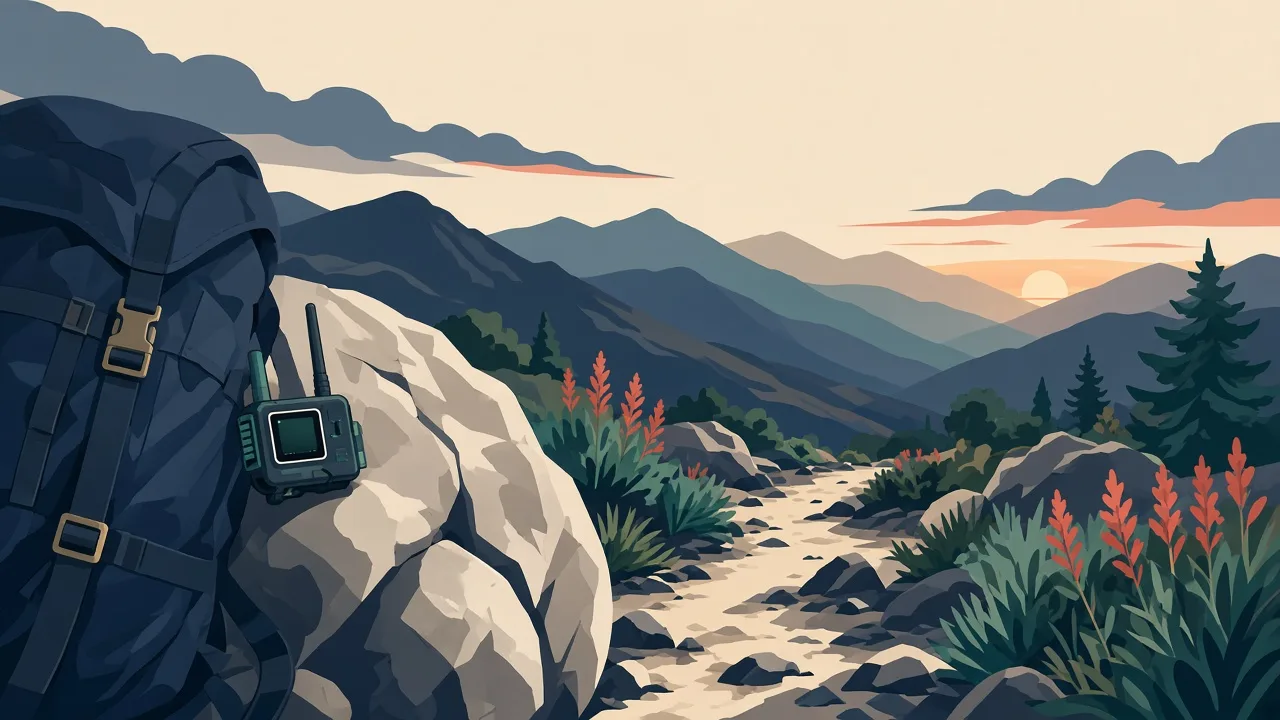
Meshtastic turns inexpensive LoRa boards into nodes in a long-range, decentralised mesh network. Phones pair over BLE to send text messages and GPS positions with no cell coverage. Firmware runs on ESP32 boards like the Heltec V3 and LilyGO T-Beam, and on nRF52840 boards like RAK WisBlock for lower power. A big community runs city-wide meshes, and the web flasher makes setup easy.
Source & Attribution
Parts Needed
- A supported LoRa board, e.g. Heltec WiFi LoRa 32 V3, LilyGO T-Beam (with GPS), or RAK WisBlock RAK4631
- LoRa antenna for your region's band (attach it before powering on)
- Optional battery/solar and enclosure
- Phone with the Meshtastic app
Steps
- 1
Pick a board and band
Choose a supported device and the frequency band that's legal where you live (for example 915MHz in the US, 868MHz in the EU). Always fit the antenna first, as transmitting without one can damage the radio.
- 2
Flash the firmware
Open flasher.meshtastic.org in Chrome or Edge, pick your device, and flash the latest stable release over USB. nRF52 boards such as the RAK4631 update by dragging a UF2 file onto their USB drive.
- 3
Pair with the app
Install the Meshtastic app on Android or iOS (or use the web client), then pair with the node over Bluetooth using the PIN shown on its screen or in the serial log.
- 4
Set the region
In the app's LoRa settings, set your region. The radio won't transmit until you do. Also choose a modem preset and a node name.
- 5
Join or make channels
Use the default channel or share a custom channel QR code with friends, which encrypts your messages.
- 6
Tips
Height matters most for range. A node on a roof or hilltop dramatically extends the mesh. The building and flashing guides on meshtastic.org cover advanced setups.
Not included: 3D-printed case, wire, solder, USB cable
Related Projects