Low-power ESP32 e-paper weather display (7.5in)
A wall-mounted 7.5in e-paper weather display on an ESP32 that runs for months on one battery charge.
Photos
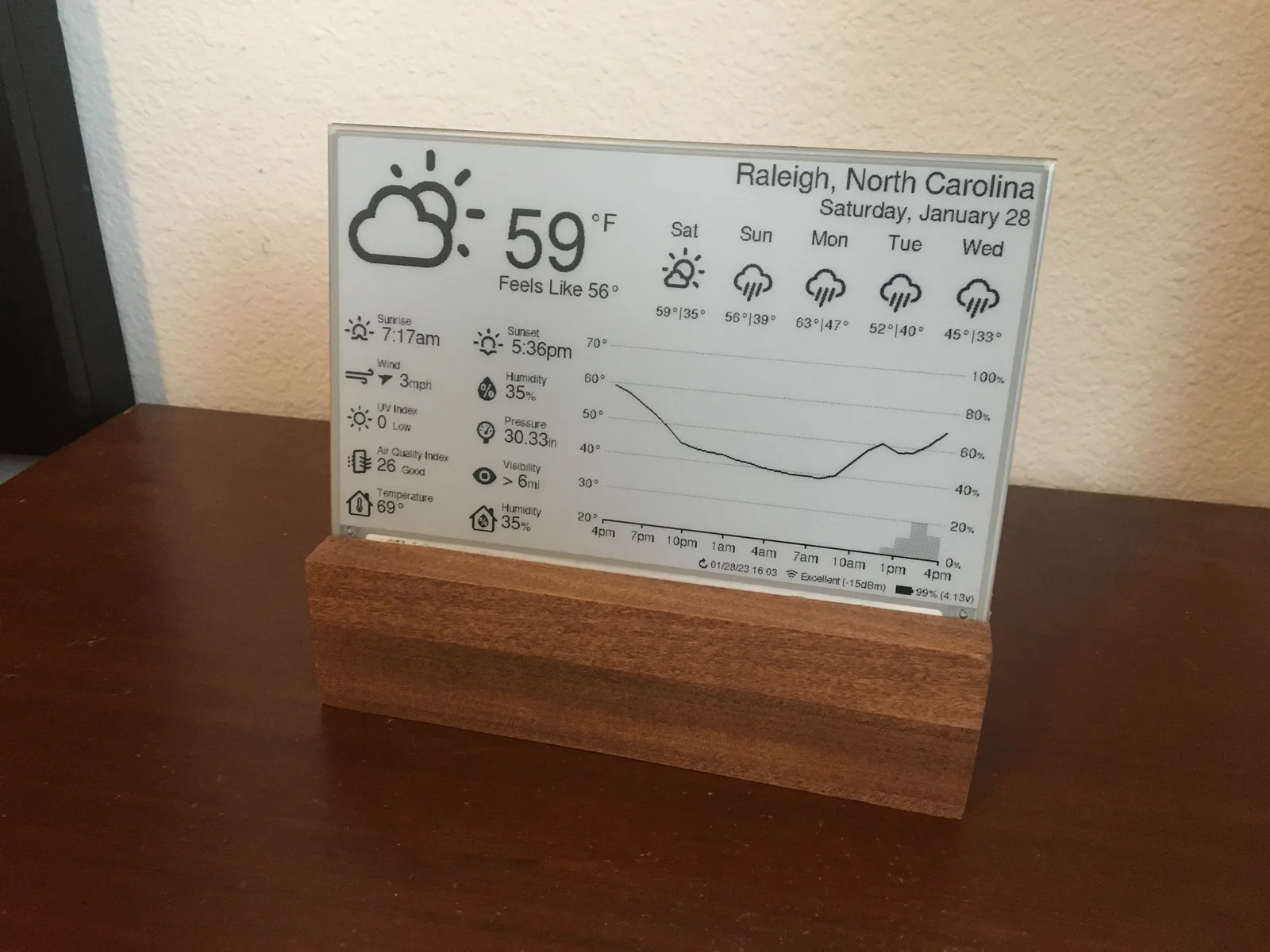
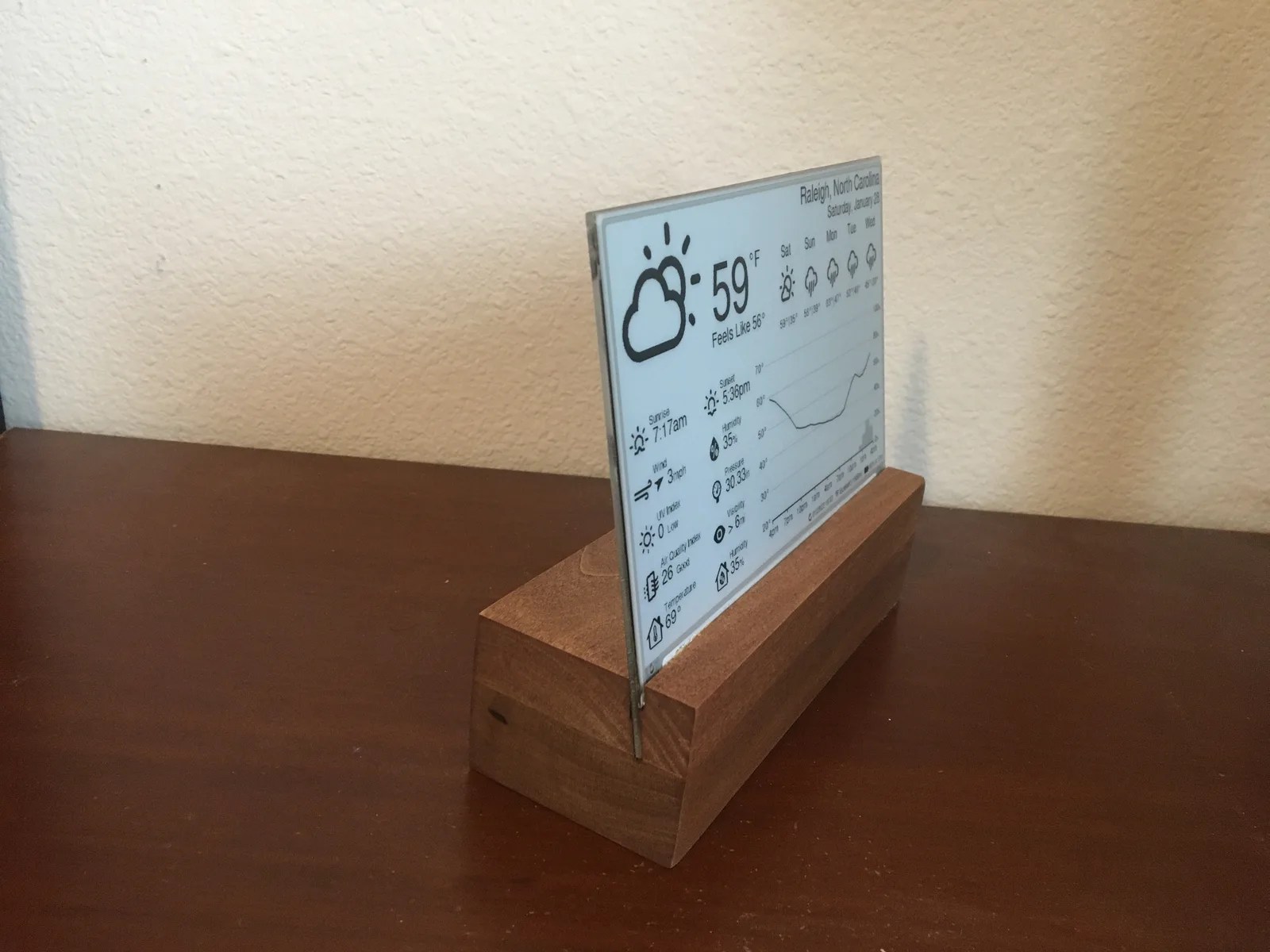
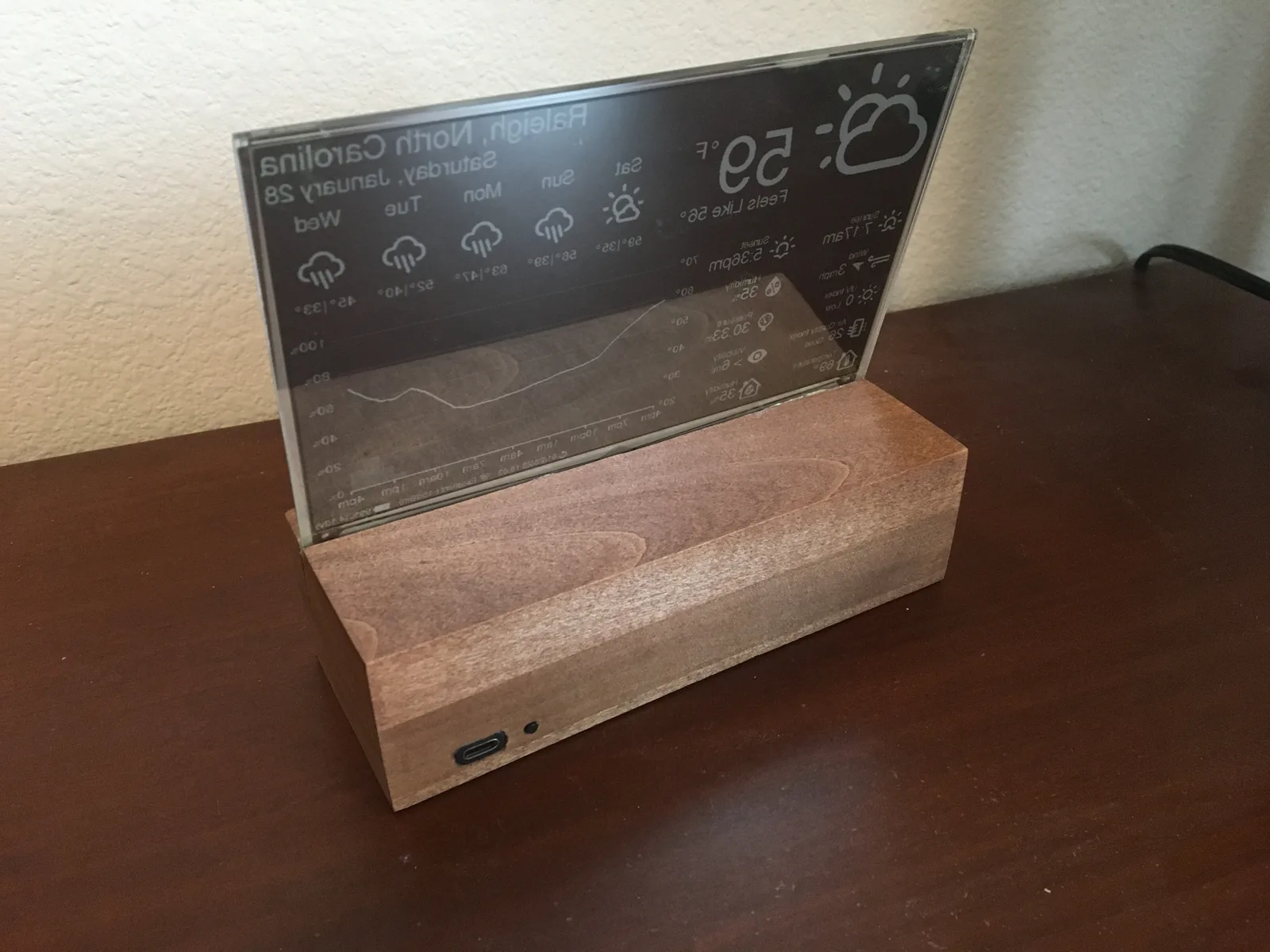
Photos: lmarzen/esp32-weather-epd
Key Facts
- Chip: ESP32 (FireBeetle 2 ESP32-E recommended)
- Display: 7.5in 800x480 e-paper
- Sensor: BME280 indoor
- Data: OpenWeatherMap API
- Power: LiPo + deep sleep
About This Project
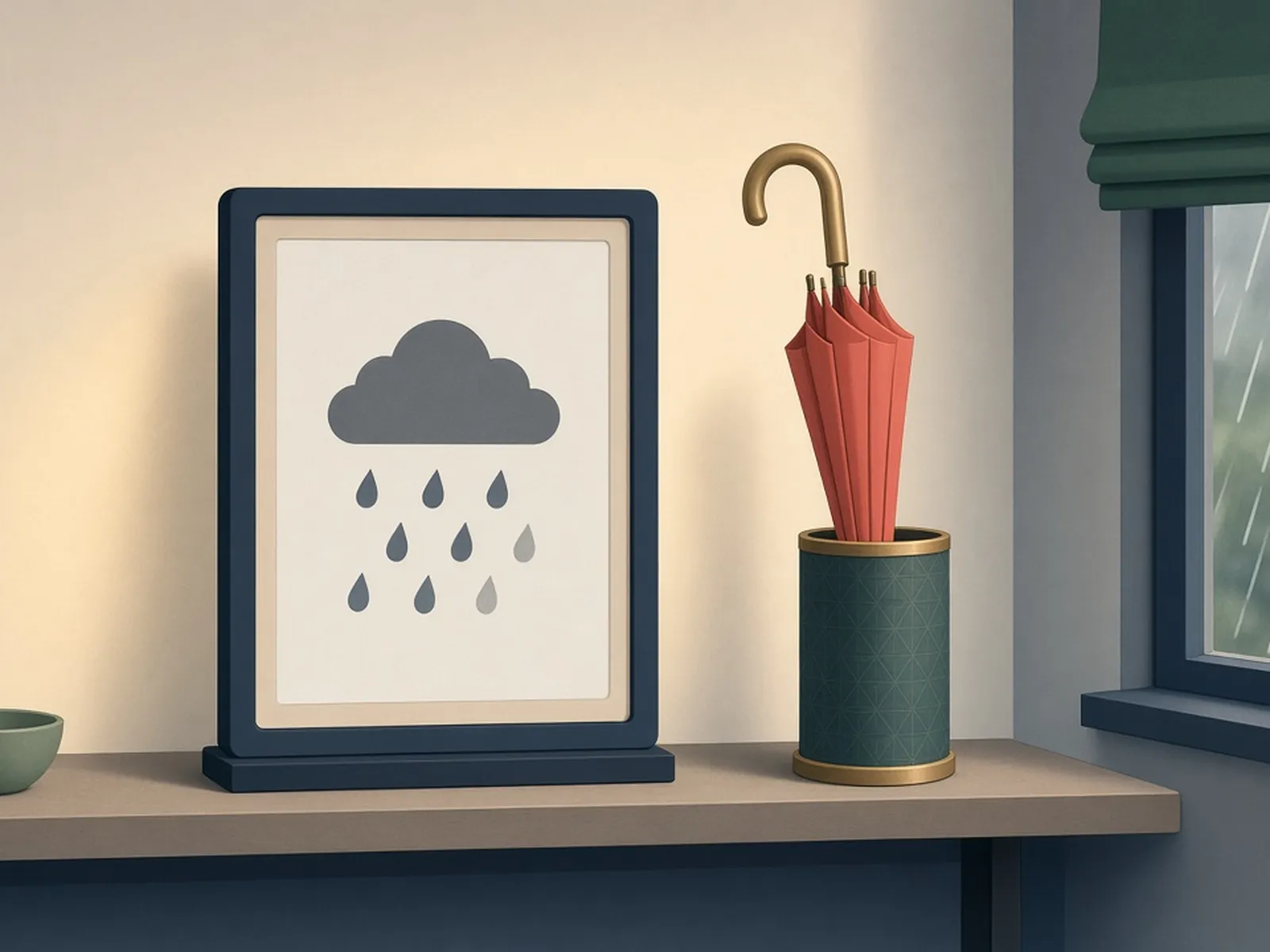
This build pulls forecast data from the OpenWeatherMap API and renders a dense, nicely laid-out dashboard (current conditions, hourly graph, daily forecast, air quality) on a 7.5in 800x480 e-paper panel. The ESP32 wakes, fetches, draws and goes back to deep sleep, so a single LiPo lasts a long time. An indoor BME280 adds room temperature and humidity. The README documents wiring, a DESPI-C02 or Waveshare driver board, and a 3D-printable stand, which makes it one of the most reproducible e-ink weather builds on GitHub.
Source & Attribution
Parts Needed
- FireBeetle 2 ESP32-E (recommended for its low sleep current and battery charging)
- 7.5in 800x480 e-paper panel (Waveshare v2 or Good Display GDEY075T7; 3-colour and 7-colour panels also supported)
- DESPI-C02 e-paper adapter board (Waveshare HAT rev 2.2/2.3 not recommended)
- BME280 sensor breakout
- 3.7V LiPo with JST-PH2.0 connector (e.g. 5000mAh)
- Jumper wires, optional reset button, and an enclosure (wooden stand or 3D-printed)
Steps
- 1
Wire it up
Connect the e-paper adapter to the FireBeetle over SPI and the BME280 over I2C, following the repo's wiring diagrams. If you use a Waveshare HAT rev 2.3, also tie its PWR pin to 3.3V.
- 2
Get an OpenWeatherMap key
Create a free OpenWeatherMap account. The display uses the One Call 3.0 API, which needs the separate 'One Call by Call' subscription. Its free tier covers 1,000 calls a day, so set a daily cap to stay at no cost.
- 3
Open the project in PlatformIO
Install VS Code and the PlatformIO extension, then open the repo's platformio folder.
- 4
Configure
Put your Wi-Fi details, API key, location, time zone, units and language in src/config.cpp. In include/config.h, choose your panel type and adapter board.
- 5
Upload
Connect the board over USB and click PlatformIO: Upload. Libraries download automatically and the first screen refresh takes about 15 seconds.
- 6
Tips
If the screen shows an error, check the README's troubleshooting section. A 401 error usually means a bad key or a missing One Call subscription. Longer update intervals mean longer battery life.
Not included: 3D-printed case, wire, solder, USB cable
Related Projects