LVGL watch UI for the ESP32-C3 1.28in round display
A polished smartwatch-style LVGL interface for the cheap ESP32-2424S012 round touchscreen board, paired via the Chronos app.
Photos
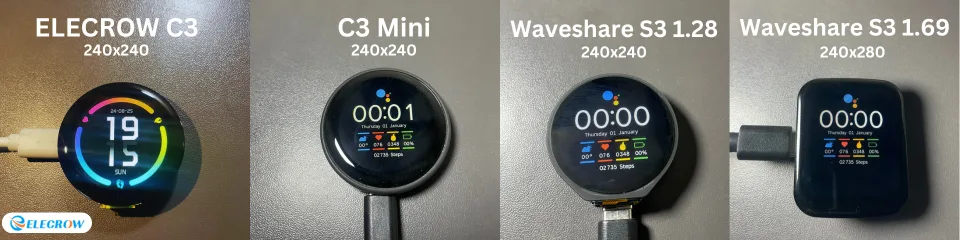
Photos: fbiego/esp32-c3-mini
Key Facts
- Chip: ESP32-C3
- Display: 1.28in 240x240 round, capacitive touch
- UI: LVGL
- Phone link: BLE via Chronos app
About This Project
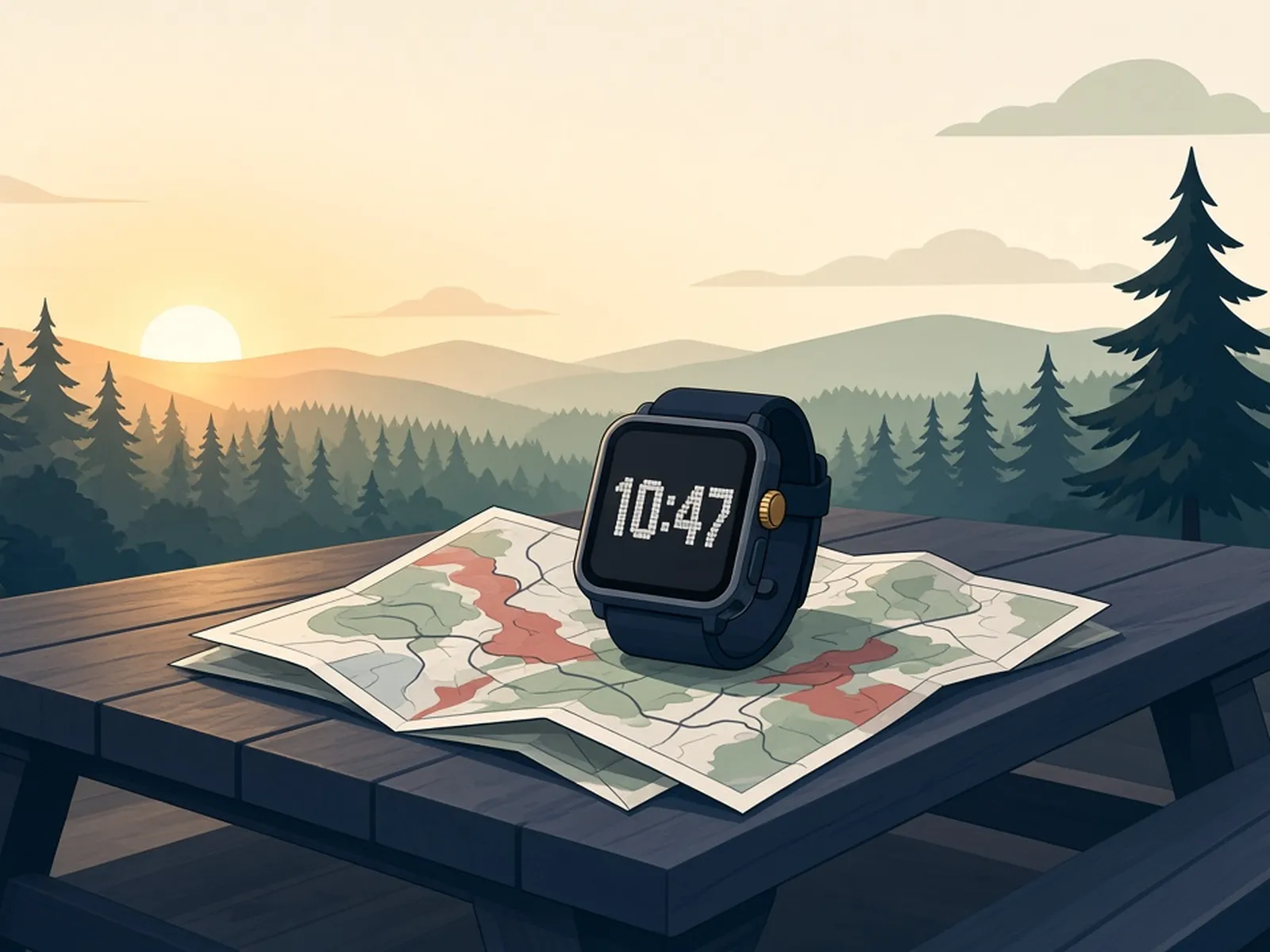
This project gives the inexpensive ESP32-C3 round display board (ESP32-2424S012) a smartwatch-like LVGL interface with watch faces, notifications, weather and music controls. It pairs with the Chronos Android app over BLE. Because the board is all-in-one, the build needs no wiring, which makes it a great entry point to round displays and LVGL.
Source & Attribution
Parts Needed
- ESP32-2424S012 (ESP32-C3 + 1.28in round capacitive touch display)
- USB data cable
- Phone with the Chronos app (Android)
Steps
- 1
Quick flash
The easiest route is the web flasher at chronos.ke/c3-ui#install. Open it in Chrome, connect the board and flash a prebuilt binary.
- 2
Or build with PlatformIO
Open the repo in VS Code with PlatformIO. In platformio.ini, uncomment just one default_envs line to match your board, then Build and Upload.
- 3
Choose watch faces
Precompiled watch faces are switched on in app_hal.h and built into the firmware. Flash space is limited, so only enable your favourites.
- 4
Pair with Chronos
Install Chronos, pair the watch over Bluetooth, and it will sync the time and notifications and enable the control screens.
- 5
Try it on desktop (optional)
The native environment runs the UI on your computer through SDL. Install SDL first, using the steps linked from the README.
| Part | Qty | Role | Est. Price | Buy |
|---|---|---|---|---|
| 1 | main board | $8–$14 | View |
Not included: 3D-printed case, wire, solder, USB cable
Related Projects